Branding
Put your logo, favicon and company identity into the client area. Five image slots, a footer description and six social links - no template editing, and nothing to regenerate afterwards.
Introduction
Branding is where your marks go. Open Hadrian -> Branding.

The page has two halves, and they save differently:
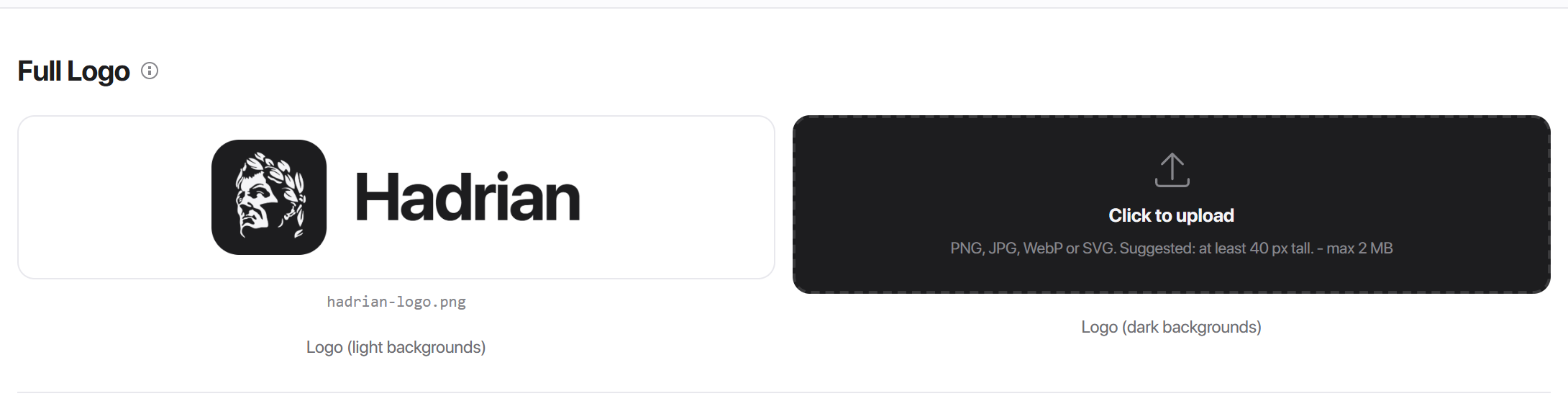
- The image slots save the moment you pick a file. There is no confirmation step.
- Brand Info needs the Save button. The description and social URLs are ordinary form fields.
Logo versions
Every logo comes in two variants: one for light backgrounds and one for dark. That is because the client area has a dark mode, and a dark wordmark on a black sidebar is invisible.
Once both are uploaded, the swap is automatic: the theme carries the dark URL alongside the light one and switches when the visitor changes mode. Nothing reloads.
Full logo
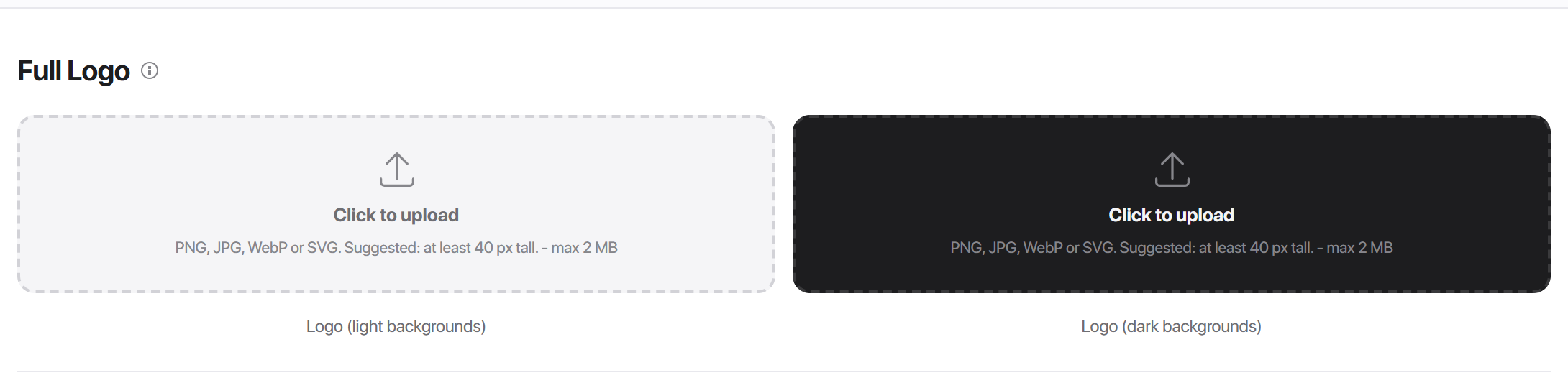
Your horizontal, wordmark-style logo. This is the one most of the client area uses:
- The top navigation bar
- The sidebar header
- The mobile topbar
- The login screens
- The footer brand block
| Formats | PNG, JPG, WebP, SVG |
|---|---|
| Maximum size | 2 MB |
| Suggested | at least 40px tall |
If no full logo is set, the client area falls back to your WHMCS company name as text. Nothing breaks - it just looks unbranded.
Square logo
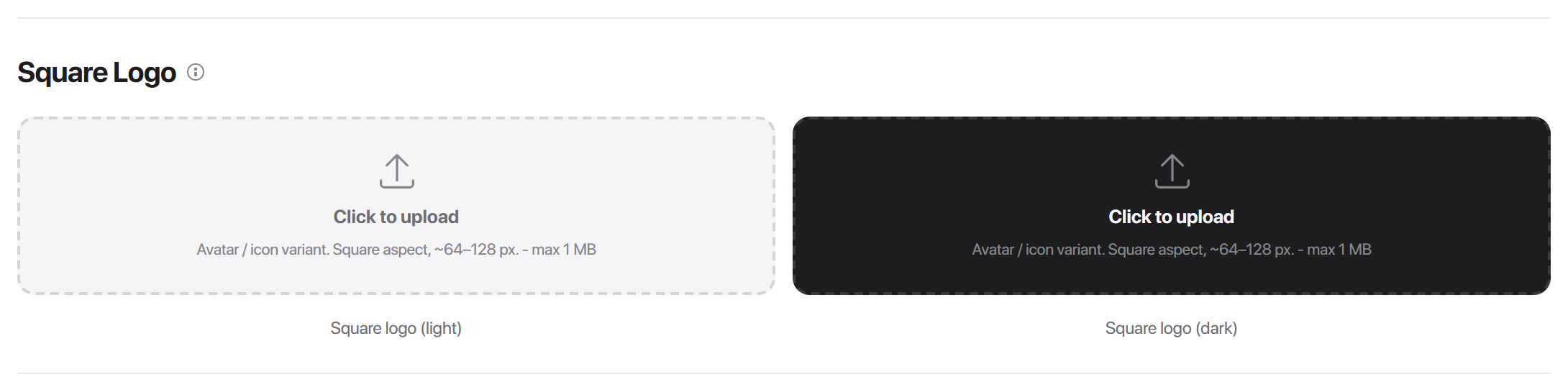
A compact, square version of your mark, for the places a wide logo would be cut off:
- The icon rail layout, which is only 80px wide
- The sidebar, when no full logo is set
- The home-screen icon when someone saves your client area to a phone
| Formats | PNG, JPG, WebP, SVG |
|---|---|
| Maximum size | 1 MB |
| Suggested | square, around 64-128px |
If you use the Icon Rail layout, this slot is the one that matters most.
Favicon
The small mark that appears in the browser tab, bookmarks and history.
| Formats | .ico, PNG, SVG |
|---|---|
| Maximum size | 256 KB |
| Suggested | square, 16 / 32 / 64px |
Hadrian emits the tab icon from this file. If the slot is empty, no favicon tag is emitted at all - deliberately, so the browser does not fall back to a stale favicon.ico left behind by a previous theme.
.ico. If you need to support very old browsers as well, upload a 32x32 .ico instead.Uploading, replacing and removing
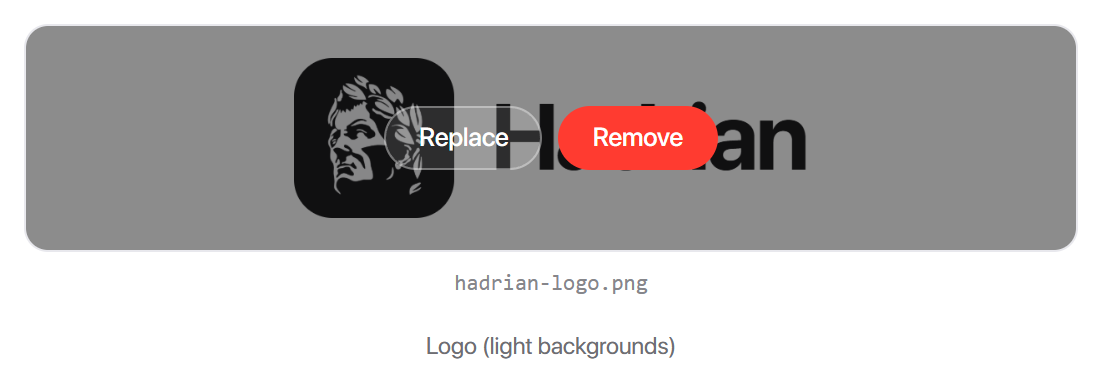
- 1Upload - click an empty tile and pick a file. It saves immediately.
- 2Replace - hover a filled tile and click Replace. No need to remove first.
- 3Remove - hover and click Remove. You are asked to confirm, then the file is deleted from the server.
Uploaded files are renamed to a random string on the way in, so two customers uploading logo.png never collide, and the original filename is not exposed.
javascript: link, a foreign object or an inline DTD. If yours is refused, re-export it from your design tool without scripting and it will go through.Brand Info
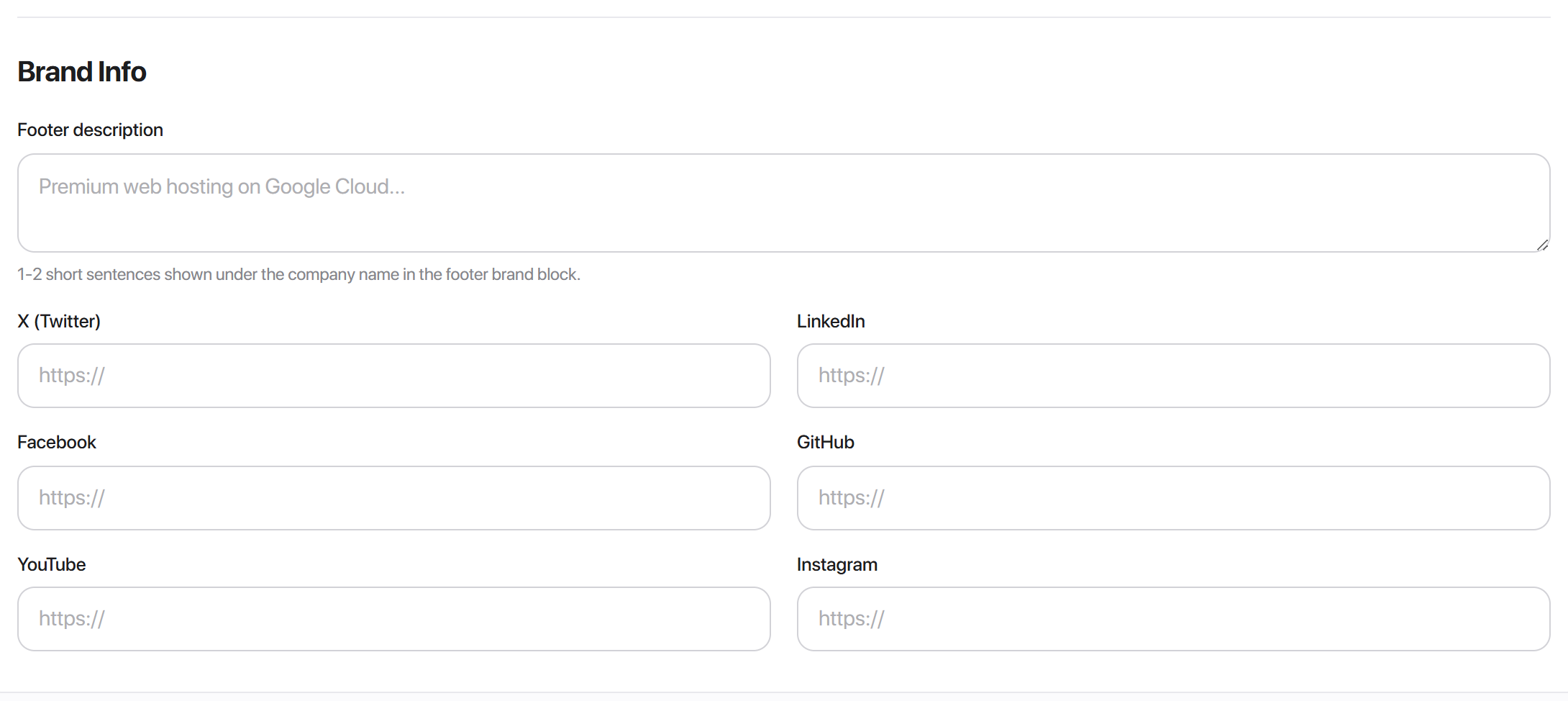
Two kinds of field, and both need Save brand info:
Footer description - one or two short sentences under your company name in the footer. Up to 280 characters.
Social links - X, LinkedIn, Facebook, GitHub, YouTube and Instagram. Each takes a full https:// URL. Leave one blank and that icon simply does not appear.

Where Brand Info appears
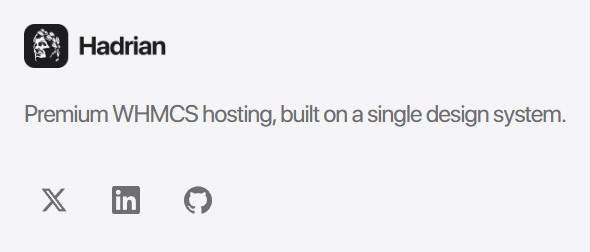
The description and the social icons render in one place: the brand block of the Extended Footer + Info layout.
That means two things have to be true before they show up:
1. That footer layout must be active - set it under Layouts -> Footer. 2. Hide Footer Social Links must be off, under Layouts -> Footer options.
The other two footer layouts render neither.
What Branding does not cover
Four things people reasonably look for here and will not find:
| What | Where it actually lives |
|---|---|
| Social share image (the preview when a page is posted to a chat) | Per page, under Pages -> SEO |
| Your company name | WHMCS itself, under General Settings - the theme reads it from there |
| Custom CSS | Styles -> Custom CSS |
| Email logo | Not part of the theme. WHMCS email templates carry their own branding |
Common problems
My logo is not showing
Check which slot the active layout uses. The Icon Rail reads the square logo, not the full one, so an install with only a full logo shows the rail's placeholder. The sidebar and top navigation read the full logo.
The logo disappears in dark mode
Only one variant is uploaded and it is dark ink. Upload a light-coloured version into the dark backgrounds slot - that slot is for the logo you want shown on dark, not a darker logo.
The rail shows a grey placeholder
That is the square-logo slot being empty. The rail does not fall back to text on purpose.
My social icons are not in the footer
Three things to check, in order: the Extended Footer + Info layout is active, Hide Footer Social Links is off, and the URL is a full https:// address rather than a handle.
My SVG was rejected
It contains scripting. See the warning above - re-export without scripts.
The file is too large
The caps differ per slot: 2 MB for full logos, 1 MB for square logos, 256 KB for the favicon. A favicon over 256 KB is almost always a full-size PNG that should be scaled down first.